Showing posts with label store opening. Show all posts

Thursday, September 13, 2007

Store Launch is a Success!

Well, I am stoked! Yesterday was the launch of my store, DreamScrapper.com, and I was pleased with the response I received! Thank you for making my launch a success!

Remember that the storewide 20% off will be in effect until September 19. The following layout was made using the exclusive page kit, Autumn Glory:
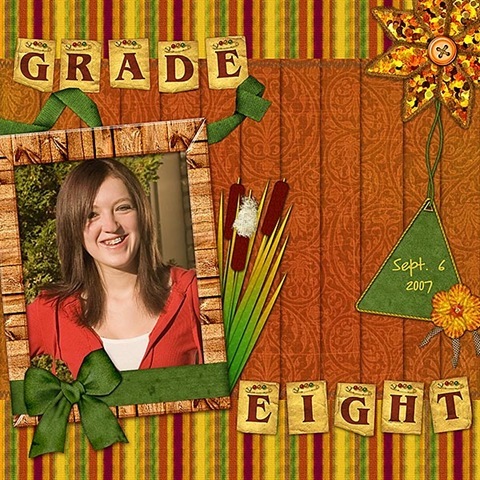
grade8_website600
Click for enlarged image

What layouts are you creating with this kit? I would love to see your results! Please leave me a comment with a link to your layout.

For those of you who use Kaboodle, if you save any of my products, be sure to create a tag for dreamscrapper so that if I do a search there, I can RAK those of you that turn up in a search.

I would also enjoy receiving any comments/critiques you have about DreamScrapper.com.

  1. What do you like best about the site?
  2. Was the site setup pleasing to the eye and easy to navigate?
  3. Was the checkout service satisfactory?
  4. What suggestions do you have for improvement?
  5. What type of products would you like to see developed?

I look forward to your comments . . . you may comment by clicking the comment link directly following this post.

Tuesday, September 11, 2007

Store Opening . . . Finally!

Well, it has been a frustrating few weeks of announcing my store opening and then announcing its delayed opening and then announcing the opening again and then another delay! But finally, it is time to open the store doors! However, now I am really excited!

TOMORROW, you will be able to see DreamScrapper.com and check out the products there! To help celebrate my opening, there will be a storewide sale of 20% off for the first week.

In addition to the sale, I am offering an exclusive page kit that will be FREE to the first 50 customers to place an order of $10 or more!

lvich_autumn_glory_page_kit_prev
Click image for larger view

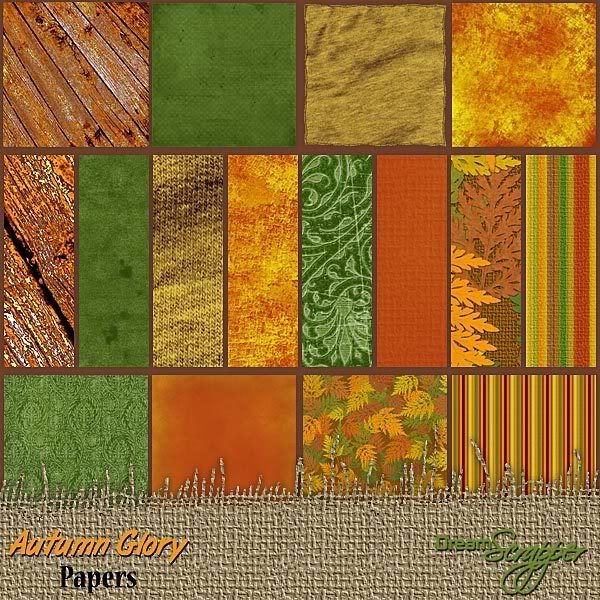
Autumn Glory embraces the fall season in all its colorful splendor! Rich shades of russet, rust, ochre, sienna and green, will enhance all your autumn layouts. In the Autumn Glory by DreamScrapper, you will receive 8 lovingly created papers, in a mix of textures, patterns and colors. Papers are created at 12" by 12" at 300ppi and saved as high-quality jpg files ensuring excellent print quality. In Autumn Glory you also get 1 ruffled flower, 1 frayed, multicolored burlap flower, 1 ribbon wrapped rustic wood frame, 1 ochre binder clip, 1 floral envelope tie, 1 cord trimmed triangular tag, 1 daisy trimmed floral overlay, two folded ribbons, 6 oversized buttons – 3 threaded, 3 without but with stitches provided, 1 bunch of cattails plus single cattails and reeds to make your own grouping and one torn piece of antique paper for journaling. In Autumn Glory by DreamScrapper, you will also receive a ripped and folded alpha where every letter is unique! Alpha has a complete uppercase set, 6 punctuation marks and one blank alpha that you can customize using your chosen font. Alpha is provided both as a single sheet and as individual letters. All elements are created at 300ppi and saved as png files to preserve transparency. Drop shadows are applied only where layering of pieces makes shadowing necessary for realism. Special thanks to Monica Larsen.

lvich_autumn_glory_papers_prev
Click for larger view

lvich_autumn_glory_elements_prev

Click for larger view

I know you will fall in love with this kit so don't miss out! Be one of the first in line at DreamScrapper.com tomorrow. Doors will open at 10:00 AM CST.

I sure hope to see you there!

Friday, August 24, 2007

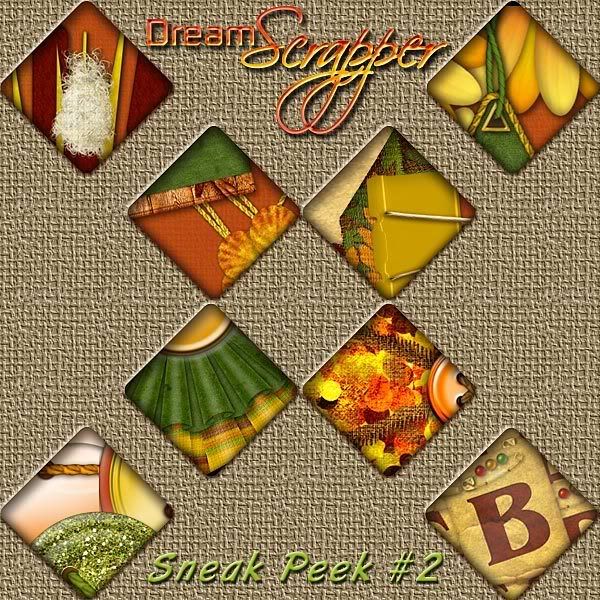
Sneak Peek #2

Today I offer you your second peek at this wonderful and rich kit that will be featured for the store opening of DreamScrapper.com next week! This kit will NOT be sold! Stay tuned here for the details on how you can get this kit, perfect for all your fall layouts! You won't want to miss out on this one!

Click image for larger view

Friday, August 17, 2007

DreamScrapper.com Store Opening - Delayed

Much to my disappointment, my store did not open this week as planned. Unfortunately, this is a problem beyond my control. Everything on my end has been done . . . there is a glitch with the host that needs to be fixed before I can open the doors to my new store! I am hopeful that next week, I will be able to announce its opening for real!

Monday, August 13, 2007

Sneak Peak and a Few Odds & Ends - UPDATED!

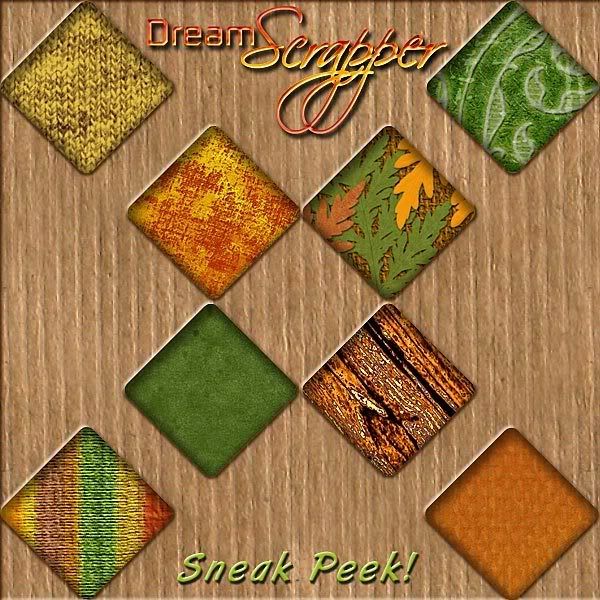
The time is drawing nearer . . . when I can actually open the doors to DreamScrapper.com! Today I am offering you a little sneak peek. Be aware that you really MUST see the product because the preview cannot show it to its fullest potential. Be sure to click on the image below to see the detail in this preview.


You will definitely want to get this for all your Fall layouts . . . and this sneak peek is just showing you the papers . . . just wait!


Now for a few tips I have picked up in the last few days . . .


Boring Photoshop/Photoshop Elements Desktop Color

Have you ever wanted to change the color of your Photoshop or Photoshop Elements desktop? You know, that boring grey color that surrounds the maximized layout or photo on which you are currently working? Well, there IS a way to do just that!

  1. First, you must have a document open.
  2. Maximize the document by double-clicking the top bar of its window.
  3. Select the color that you want by clicking the Foreground color.
  4. Select the Paint Bucket tool.
  5. Shift-click on the desktop with the Paint Bucket. This color will stay until you change it to something else or reset your Photoshop preferences file.
  6. If you ever want to change back to the grey color that you had before, you can simply select the Eyedropper tool and click and hold on the Photoshop desktop and then drag over to one of the palettes until the color changes back to grey. If you just want to select the grey color, click on the foreground color and type c0c0c0 in the box beside the #. (That's C-zero-C-zero-C-zero)


Missing .PSD Thumbnails in Windows Explorer

Have you ever been frustrated because you cannot view a thumbnail for your Photoshop or Photoshop Elements files when viewing files in Windows Explore? Tell me, what use is it to see a colored square with .PSD on it? If this is the case for you, you will want to get ThumbView.


Unzipping Files

Are you still unzipping your downloaded files the old fashioned way? By that, I mean one by one by one. If this describes you, you need to UnZipThemAll. Load up all your downloads, whether they be .zip files, .rar files or some other type of archive file and let 'er rip!
Be sure to check out the way that you can customize the unzipping and file destinations.


UPDATE

I'm not sure what I was thinking when I posted about UnZipThemAll but though I have used and really liked it, I now use another program called ExtractNow. You will also want to try this one as I like it even better than UnZipThemAll.

Sunday, August 12, 2007

DreamScrapper.com Opens This Week!

Just a very quick post today . . . I am at work on last minute details because of my store opening this week.

Woohoo! I'm excited! I have been hard at work getting the website together and designing and finally, it is just about time for the launch! I will be offering a fabulous store opening special so be sure you sign up for my email updates or check back here to find out the actual day and time of the opening!

For those of you after freebies, be sure to grab the Burnished Gold Papers and Elements before the store opens.

Thursday, August 9, 2007

Store Opening Approaches and a Freebie

I announced back in my DreamScrapper Blog Debut! that I was going to be opening my own store. I have been hard at work, both designing and setting up the store. It seems that things are finally coming together and my store opening is just around the corner! Be sure to check this blog for the announcement of my Grand Opening!

In the meantime, here is part 2 of the Burnished Gold mini kit. I have received many heartwarming comments on this and my other offered freebies . . . it really is a pleasure to read them. I appreciate all those who have taken the time time leave me a comment either on my blog or at the download itself. I am hopeful that you will have had a good sampling of the quality of my designs and that you will continue to enjoy my work by frequenting my store!

Now, on to the freebie! Tonight I offer you the Burnished Gold elements. Enjoy them and please leave me a comment! Also, if you do make a layout with this or any of my other offerings, please contact me so I can post your layout here. I would love to see what you do with my designs!

This file is no longer available for download.
Thank you for your interest!